
CC Game APK for Android: Arcade Action and Account Guide
Android; stable internet connection

Description
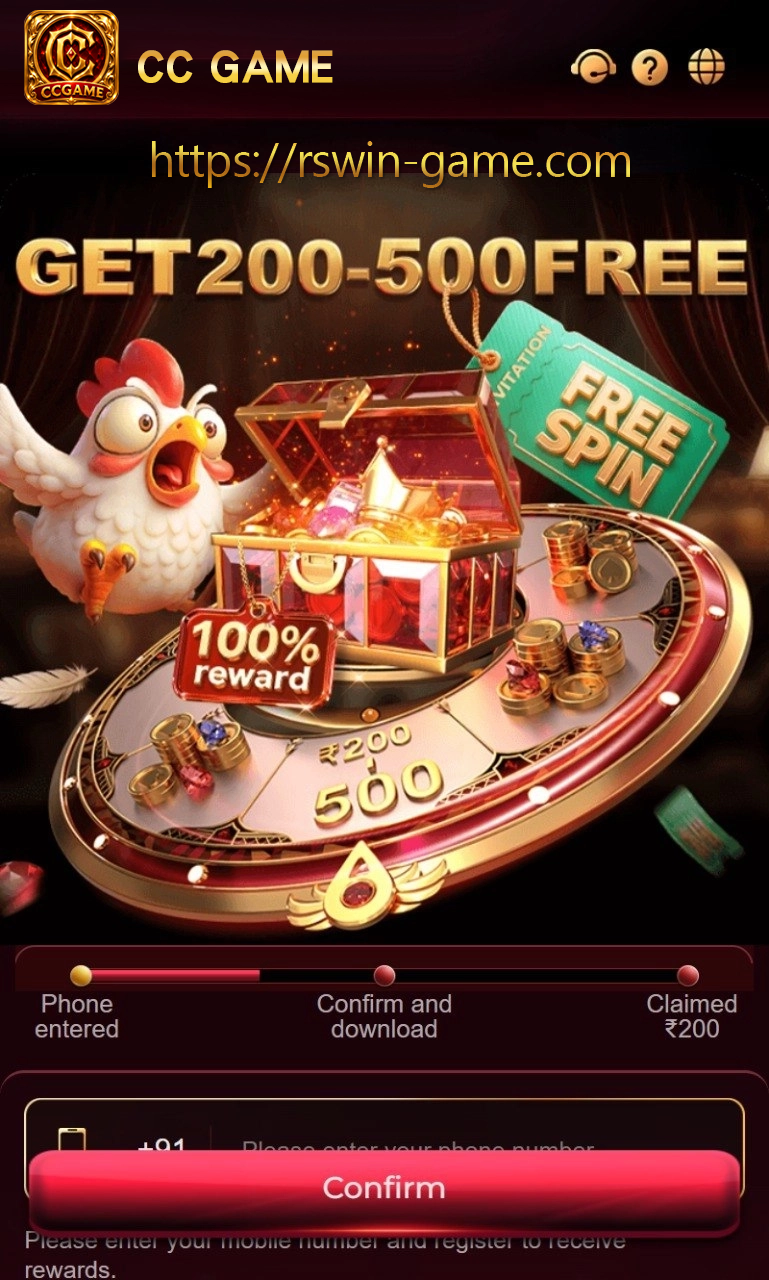
CC Game is built around an energetic mobile experience, combining touch-friendly arcade action with a lobby of shorter games that can be opened in a few taps. Its strongest appeal is immediacy: the player can sign in, check what is active and move into a suitable room without working through a crowded desktop-style menu.
Players who enjoy aiming, timing and rapid decisions will feel at home in the arcade area. Other categories offer a slower rhythm, making CC Game useful when you want to switch between focused action and a more relaxed table or casual round.
Install CC Game without interrupting the download
Open the current access route below from the Android phone that will run the app. Wait until the APK has downloaded completely, check that sufficient storage remains and start the installer from the notification or Files app. If the phone requests source permission, grant it to that single browser or file manager and switch it off after CC Game opens successfully.
Set up the lobby before the first match
After registration, spend a minute adjusting sound, vibration and notification preferences. Open the account page to find password recovery, activity records and the support entrance. This preparation is more useful than rushing into the first highlighted game, especially on a shared phone or an unstable connection.
How CC Game arcade rounds feel
Arcade modes normally reward controlled taps more than random speed. Read the objective, watch one movement cycle and learn how the score or target changes before increasing the pace. In shooting-style rooms, accuracy and target priority matter; in timing games, waiting for the correct opening can be more effective than tapping continuously.
When CC Game presents cards, reels or another quick format, use the rule panel for that exact room. The entry level, timer and settlement method can change between categories even though they share the same account.
Balance, offers and completed activity
Use the wallet history as the main record for account movements. Before using promotional credit, check whether it has a time limit or game restriction. If a round closes during a network change, reopen activity history first; the final entry is more dependable than the last animation visible on screen.
Common CC Game questions
Does CC Game need a powerful Android phone?
A stable connection and free storage usually matter more than running every visual setting at maximum. Lower optional effects if the device becomes warm.
What helps with a frozen arcade round?
Keep the room name, time and activity reference, then contact support without sharing an OTP or transaction PIN.
Related apps





Most viewed apps
Latest posts
-
 Downloading P77 Game: A Safer Install and Update Route August 15, 2026
 -
 Top One Game for Beginners: A Short Route Through the Lobby August 14, 2026
 -
 X89 Game Promotions: Five Checks Between an Offer and Usable Credit August 14, 2026
 -
 How to Read RAJA7 Game: Controls, Rules and Result History August 14, 2026
 -
 Downloading BONU7 Game: A Safer Install and Update Route August 14, 2026
-


